
How to Set Up Your Sierra for Towing: Hitch, Brake Controller, Tow Modes
Towing in Central Texas can mean a little of everything: highway stretches on I-35, stop and go traffic in Austin, and rolling Hill Country roads where grades and wind can change the feel of your trailer fast. The good news is that your GMC Sierra has towing-focused tools designed to make hitching up and driving with a trailer simpler, as long as you set it up correctly.
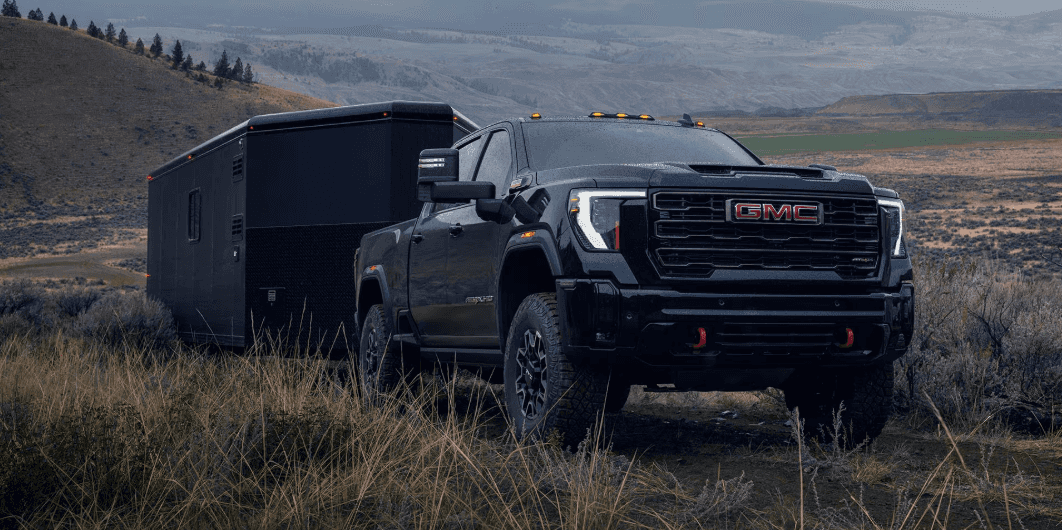
Here is a practical, step-by-step guide you can follow before you tow.
Before you start: match your truck, trailer, and equipment
Before you connect anything, confirm these three basics:
-
Your Sierra’s tow rating and payload (varies by engine, cab/bed, drivetrain, and equipment)
-
Your trailer’s loaded weight (not the empty weight)
-
The right hitch and ball mount for your trailer (correct size and weight rating)
If you are not sure what you need, our team can help you confirm the right setup for your specific Sierra and trailer.
Step 1: Set up your hitch the right way
A safe tow starts with proper hitch hardware.
Checklist:
-
Confirm your hitch receiver and ball size match your trailer coupler.
-
Use a ball mount with the correct rise/drop so the trailer sits level when connected.
-
Tighten hardware to spec (follow the instructions for your hitch components).
-
If your trailer is heavier, consider a weight-distributing hitch (recommended for many larger trailers).
Tip: If the trailer is nose-up or nose-down, it can affect stability and braking. Level is the goal.
Step 2: Connect the trailer (do this every time)
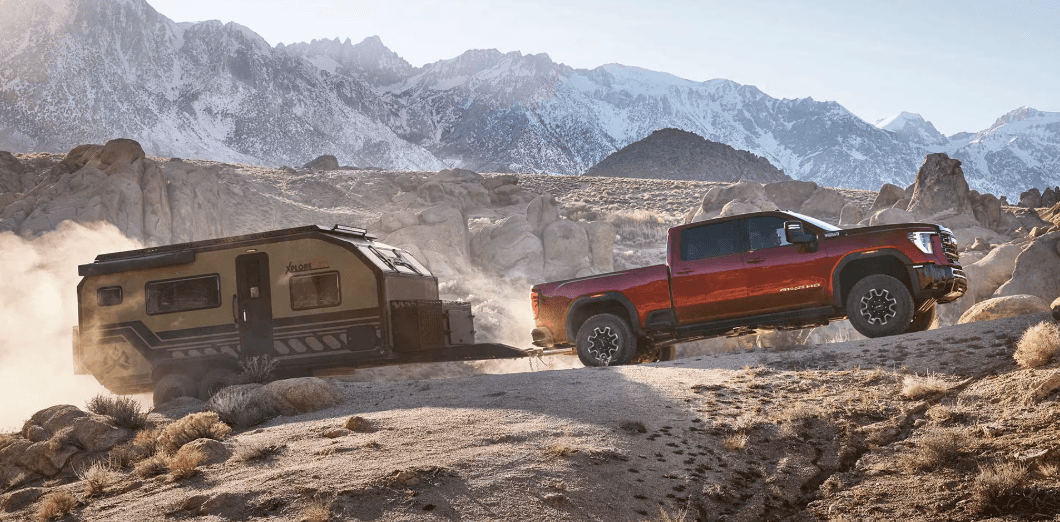
Once the hitch hardware is right, connect in this order:
-
Coupler onto the hitch ball
Lower the coupler fully, then close the latch and insert the safety pin or lock. -
Safety chains
Cross the chains under the coupler and attach them to the truck. Crossing helps create a cradle if the coupler ever comes loose. -
Breakaway cable (trailers with brakes)
Attach the breakaway cable to a solid point on the truck that is not the safety chain loops. -
Electrical plug
Connect the trailer wiring harness, then confirm it clicks in securely.
Step 3: Use Hitch Guidance and camera views to line up faster
If your Sierra is equipped, Hitch Guidance with Hitch View can help you align your hitch to the trailer coupler using a guideline on the rear camera view when reversing.
This can save time and reduce the need for a spotter, especially when you are hitching up solo.
Step 4: Create a trailer profile in the in-vehicle Trailering App
If your Sierra has the in-vehicle Trailering App, set up a trailer profile before your first real tow. GMC’s support docs note you can store multiple profiles (up to five) and access features like light tests and reminders.
Why this matters: when your trailer is saved, it is easier to keep settings consistent and get quick checks before you roll.
Step 5: Run a trailer light test
Trailer lighting is one of the most common issues people discover after they are already on the road.
The in-vehicle Trailering App can guide you through a light test and help identify problems if the system detects an issue.
Quick reminder: check running lights, brake lights, turn signals, and hazards.
Step 6: Set up the trailer brake controller (if equipped)
Many Sierra trims offer an integrated trailer brake controller, and GMC notes it works with the truck’s ABS to provide measured brake force signaling to compatible electric trailer brake systems.
How to approach setup:
-
Make sure the trailer brakes are functioning (your trailer may need maintenance if braking feels inconsistent).
-
Start with the manufacturer guidance for your trailer type.
-
Test at low speeds in a safe area and adjust gain until stops feel smooth and controlled.
If you are new to towing, this is one of the best areas to have our service team double-check your setup.
Step 7: Turn on Tow/Haul mode when you are towing
Tow/Haul is designed for towing and heavy loads. GMC explains that Tow/Haul mode keeps the vehicle in a lower gear for more torque, improving the drive when pulling a trailer or heavy load.
Many drivers notice it also helps the truck feel more settled on rolling roads and when slowing down.
Good rule: if the trailer is connected and you are towing, Tow/Haul is usually the right choice.
Step 8: Do a short pre-trip check before you hit the highway
Right before you leave:
-
Check tire pressure on both truck and trailer
-
Confirm the trailer load is balanced and secured
-
Verify mirrors and visibility
-
Confirm your trailer is level
-
Test brakes and signals once more
If your setup includes trailer tire monitoring, GMC notes the Trailering App can support trailer tire pressure and temperature monitoring when the proper sensors are installed and learned to the vehicle.
Step 9: After 5 to 10 miles, stop and re-check
This is a pro habit that prevents problems.
Pull over somewhere safe and check:
-
hitch connection and latch pin
-
safety chains and breakaway cable
-
trailer plug connection
-
load straps and tie-downs
-
trailer wheel and tire condition (look for anything unusual)
Common towing mistakes to avoid
-
Skipping the light test
-
Not using Tow/Haul
-
Overloading the trailer or truck
-
Trailer not sitting level
-
Not re-checking after the first few miles
-
Assuming every Sierra has the same trailering features (availability varies by model year and trim)
Need help getting your Sierra tow-ready?
If you want to tow with more confidence, we can help with:
-
hitch selection and installation
-
wiring and trailer brake controller support
-
pre-tow inspection and setup guidance
-
service checks before a long trip
FAQ: Setting Up Your GMC Sierra for Towing
How do I know how much my Sierra can tow?
Tow ratings vary by model year, engine, cab/bed, drivetrain, axle ratio, and trailering package. The safest way is to confirm your specific truck’s capacity using the tire and loading sticker, your owner’s manual, and the vehicle’s configuration (your dealership can verify it fast). Always plan around loaded trailer weight, not empty weight.
Do I need a weight-distributing hitch?
A weight-distributing hitch is often recommended when you are towing a heavier trailer or if the trailer causes the rear of the truck to squat and the front to lift. If the trailer is not sitting level, steering feels light, or stability is inconsistent, a weight-distributing setup can help. Your trailer and hitch manufacturer guidelines will specify when it is required.
When should I use Tow/Haul mode?
If you are towing, Tow/Haul is usually the right choice. It is designed to help manage power delivery and shifting for hauling and trailering, especially on Texas highways, hills, and stop and go traffic.
How do I set the trailer brake controller gain?
Start with a conservative setting, then test in a safe area at low speed. Increase gain until the trailer braking feels smooth and controlled, not weak and not jerky. If the trailer brakes lock up or grab too hard, reduce gain. If stopping feels like the trailer is pushing the truck, increase gain. Trailer type and load change this, so adjust when your load changes.
Do I need trailer brakes in Texas?
Many trailers require brakes based on weight and state rules, and requirements can vary. If you tow frequently, it is smart to confirm the current Texas requirements and make sure your trailer brake system and breakaway setup are working correctly.
My trailer lights work sometimes. What should I check first?
Most intermittent issues come from:
-
a loose or dirty trailer plug connection
-
corrosion in the connector
-
a damaged wiring harness
-
a weak ground on the trailer
Do a quick light test before every trip, and if the problem repeats, have the wiring and connector inspected.
What is the safest way to hook up safety chains and the breakaway cable?
Cross the safety chains under the coupler so they can help cradle the tongue if the coupler ever comes loose. Attach the breakaway cable (trailers with brakes) to a solid point on the truck that is separate from the chains.
How often should I stop and re-check my setup?
Stop after the first 5 to 10 miles, then periodically on longer drives. Re-check the coupler latch and pin, safety chains, breakaway cable, wiring connection, and load tie-downs. This is one of the easiest ways to prevent towing problems.
Can I tow if my Sierra does not have an integrated brake controller?
It depends on your trailer and braking requirements. Some setups use an aftermarket brake controller, and some lighter trailers may not require trailer brakes. The right answer depends on trailer weight, brake type, and applicable rules. If you are unsure, it is worth getting the setup checked before towing.
0 comment(s) so far on How to Set Up Your Sierra for Towing: Hitch, Brake Controller, Tow Modes